Public Beta: Intelligent document OCR — built in Finland, EU-hosted. Start free → We'd love your feedback!
Available now

From document to Manager.io entry

eScanX reads the document, you check it on one screen, and the result becomes a real accounting entry in your Manager.io business. After a few corrections, most documents need no touch at all.

How it works

Three steps, on screens you will use every day.
  1. 01

    Upload

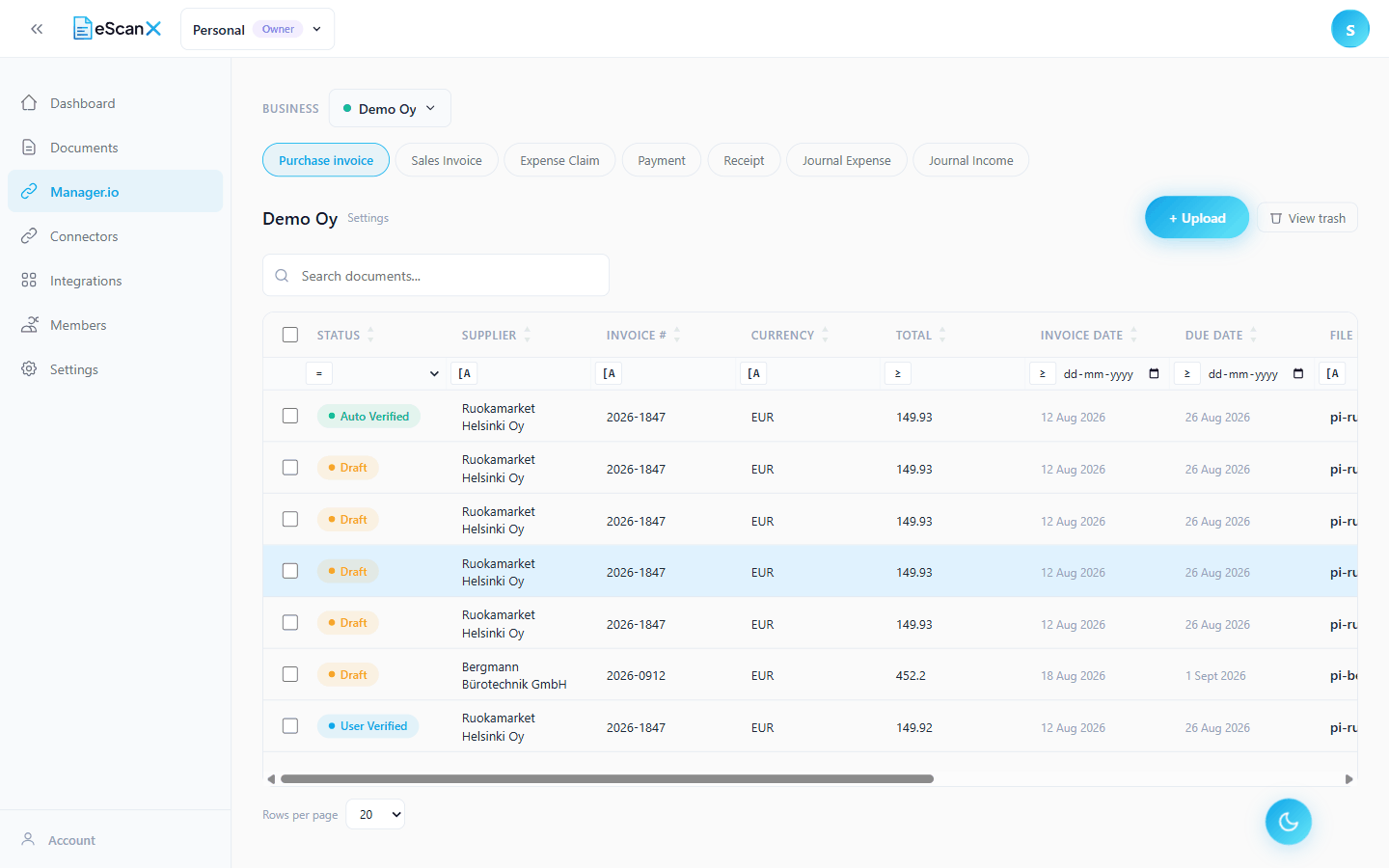
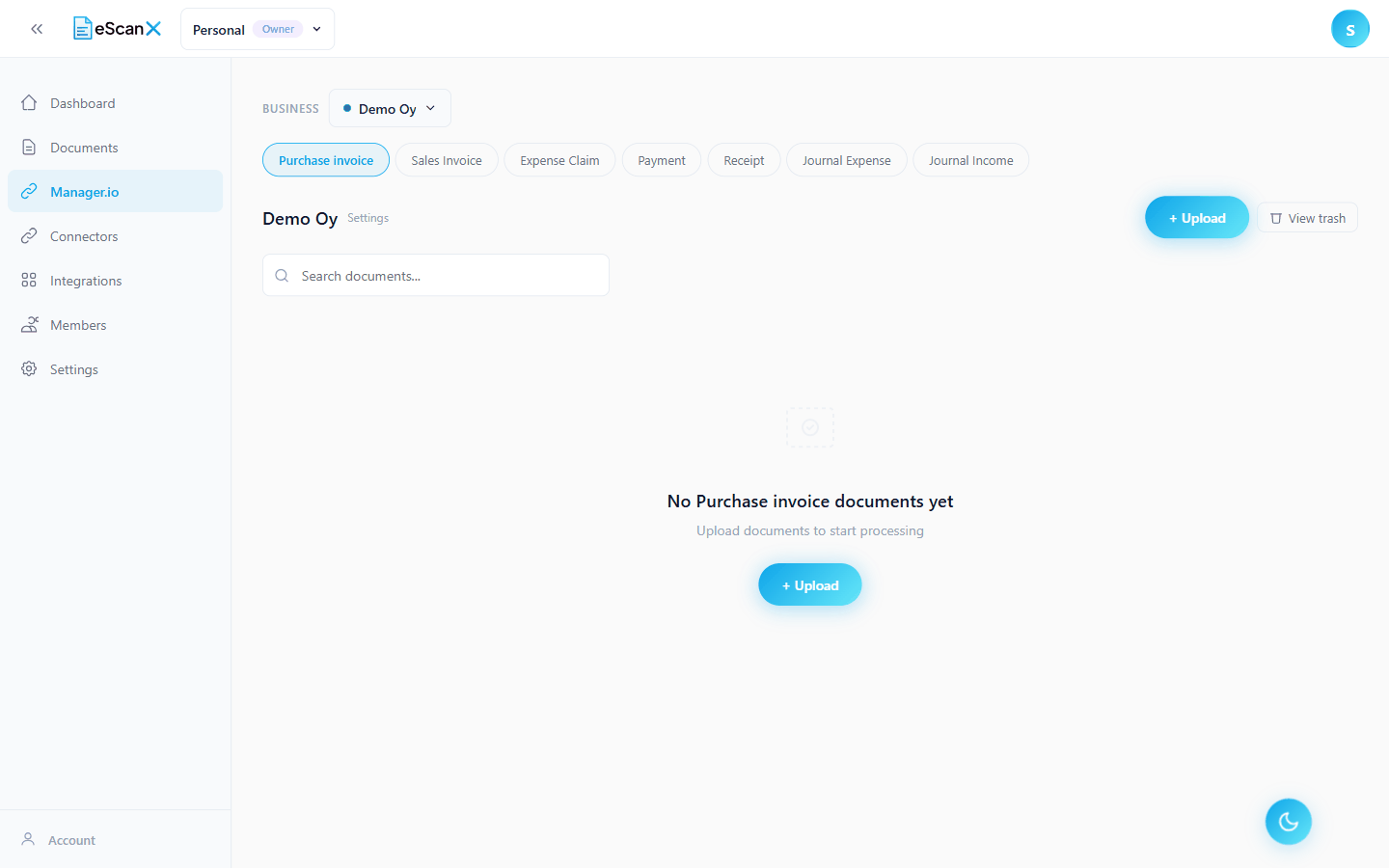
    Drop files on the tab of the entry type they should become, up to 50 at a time. eScanX reads each one and the list tells you when it is ready.

  2. 02

    Check

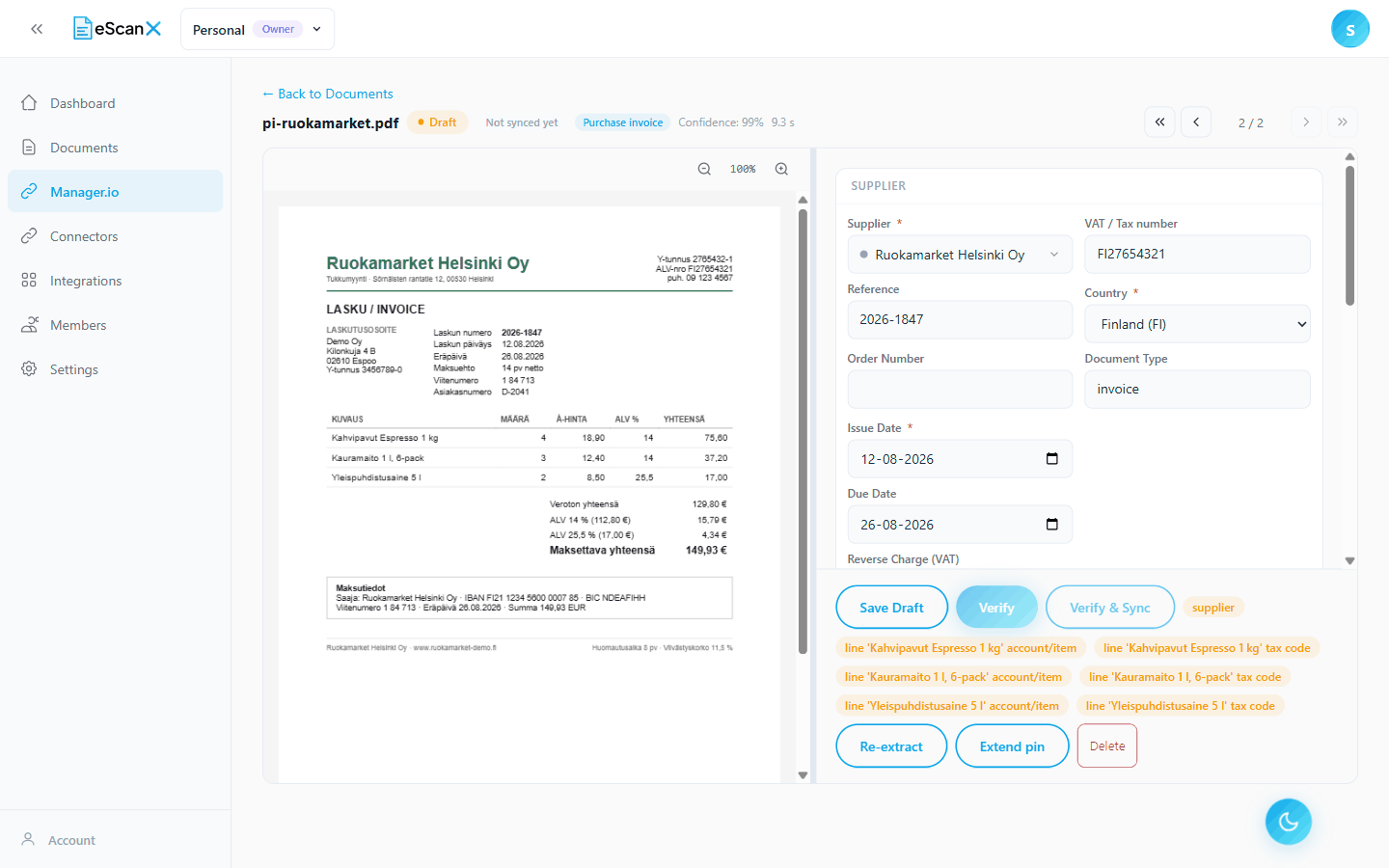
    The document on the left, the extracted data on the right. Suppliers, accounts and tax codes link to the real entries in Manager, and every total is recalculated by the server as you type.

  3. 03

    Send

    Verify, and the document becomes an entry in Manager with its supplier, lines, tax codes and totals. Switch on automatic sending and the verify does it for you.

What you get

Seven entry types

Purchase invoice, sales invoice, expense claim, payment, receipt, journal expense and journal income: one connection, one tab each.

Rules you approve

Pick an account or a tax code once and eScanX proposes a rule in plain words. Keep it, and the next document from that supplier arrives filled in.

A fully automatic flow

With rules in place, switch on automatic verification and sending. Documents that pass every check go straight to Manager; anything doubtful waits for a person.

Inside Manager itself

Register eScanX as an extension and process documents in a panel inside Manager, locked to that one business.

What is sent, what is read

  • Sent to Manager: the supplier or customer (created if new), the dates and reference, each line with its account or inventory item and tax code, and the totals.
  • Read from Manager: only the lists used for matching. Suppliers, customers, accounts, tax codes, inventory items, bank accounts and employees.
  • Your Manager API token is stored encrypted and is never shown again after saving.

What you need

  • A Manager Cloud business and its web address. Manager Desktop is not supported, because eScanX cannot reach a program on your own computer.
  • An API token created inside that business.
  • An eScanX workspace where you are an owner or manager.

Manager.io is a trademark of NGSoftware Pty Ltd. eScanX is not affiliated with or endorsed by NGSoftware. The name is used only to identify the software this connection works with.

Need a Custom Integration?

Enterprise customers can request custom integrations tailored to their specific workflows.

Contact Sales →

We use cookies to improve your experience on our site. By using our site, you consent to cookies. Learn More